

Seedance 2.0




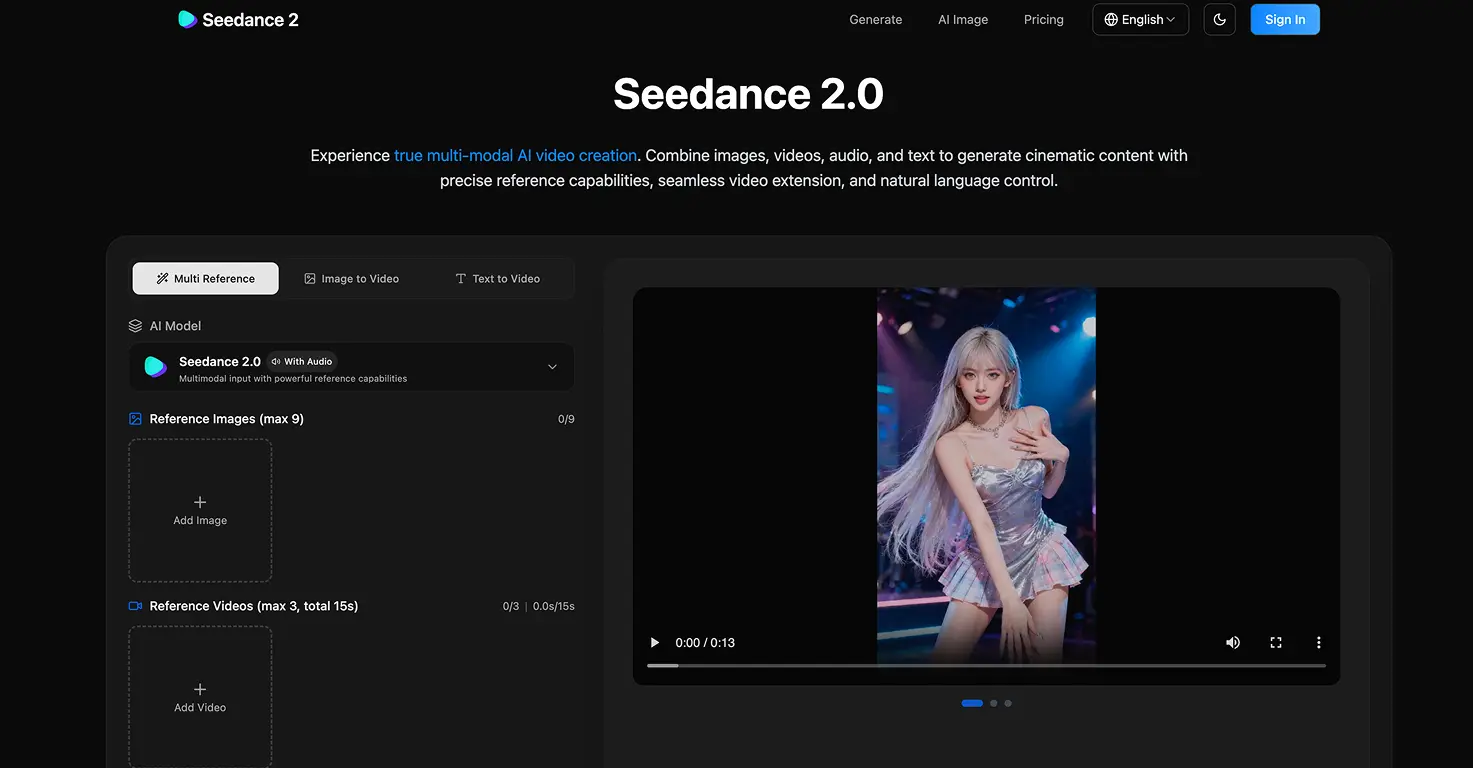



Seedance 2.0 is ByteDance's most advanced AI video generation model, capable of producing cinematic multi-shot video up to 15 seconds from text prompts, images, audio, or existing video clips.
The technology is genuinely impressive, and genuinely concerning. The model's own launch material calls it the point where "the line between real and generated is officially gone." For families, that headline warrants careful thought before handing this to a teenager. ByteDance, the Chinese parent company of TikTok and CapCut, built this, which raises the same data privacy questions that have followed TikTok for years. On top of that, the Motion Picture Association has demanded ByteDance cease operations, alleging the model was trained on copyrighted films and TV shows without permission.
For creative animation projects with supervision, there is real value here. The image-to-video feature can bring a child's drawing or artwork to life. The style transfer capability lets you restyle existing animated clips into new art styles. If you approach it as an animation studio for short creative projects, and stay firmly in the world of illustrated and animated content rather than realistic human video, it can be a powerful creative outlet for older teens.
Video tutorial
Safety



Key Features
Multimodal input system accepts text, images, audio, and video simultaneously. Upload a child's drawing and describe the scene to animate it, supporting up to 12 reference files for precise creative control over the final output.
Cinematic 15-second clips with native synchronized audio and camera controls that rival professional production. The model handles complex movements, depth of field, and lighting with impressive consistency across multiple shots.
Style transfer from videos lets you take an existing animation or clip and restyle it completely. Convert a cartoon to a different art style or animated format, opening creative storytelling possibilities for older kids and teens.
Built-in content safeguards prevent uploading real faces or trademarked characters as reference images. While these restrictions limit some use cases, they provide an important safety layer and push creative use toward illustrated and animated content.
Family Projects
- Animating a child's original drawing by uploading their artwork as a reference image and describing the scene coming to life. A genuinely magical result for 10-15 minutes of effort with an 11-13 year old.
- Creating a short animated film from a story your child wrote. Use text-to-video prompts to build individual scene clips, then edit together in CapCut to form a complete narrative.
- Restyling a favourite book cover into an animated scene. Take a still image from an illustrated book and use style transfer to create a short animated sequence bringing it to life.
- Producing a geography or history project video for school. Use text prompts to recreate historical settings or natural environments as atmospheric clips to accompany a presentation.
- Building a stop-motion style animation by generating sequential clips from illustrated frames and assembling them in order. A good introduction to basic film editing concepts for teens.
Pricing