

Teachable Machine

December 12, 2025

STEM-curious kids ages 8+ who want to understand how AI actually works by building their own models





Ages 8+ with parent guidance for setup and concepts, 10+ for more independent exploration, 12+ for export features.

Parent supervision required

Free
|
Free
People also searched:

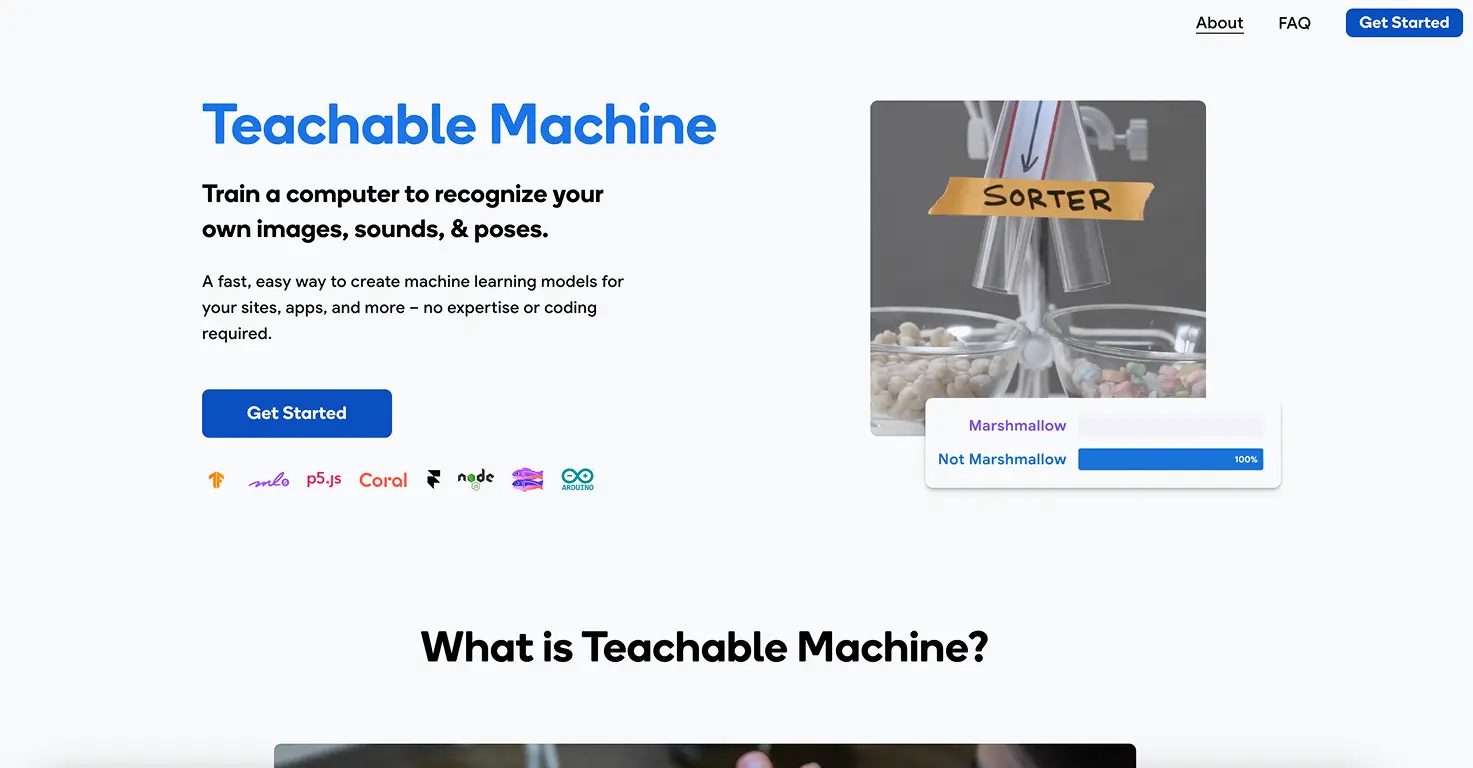
Teachable Machine is a free, browser-based tool from Google that lets anyone train machine learning models without writing a single line of code.
Kids become AI trainers rather than just AI users, teaching computers to recognize images, sounds, or body poses by showing examples.
All training happens locally in your browser - nothing is sent to Google's servers unless you choose to save your project to Google Drive.
Models can be exported to use in websites, apps, or physical computing projects, opening up real-world applications for advanced learners.
Video tutorial
Safety

Data privacy
All training happens locally in browser. Nothing sent to servers unless you save to Google Drive.

Parental Controls
None needed - uses only your local webcam/microphone with no external content or social features.

Safe Browsing
Completely safe browser-based tool with no external links or user-generated content. Uses only local device.
Key Features
- Train AI without coding using a visual interface where kids gather examples, click train, and immediately test their model - making machine learning concepts tangible and accessible to young learners.
- Three project types available including image recognition (using webcam), sound classification (using microphone), and pose detection (using body movements) - each teaching different aspects of how AI perceives the world.
- Local browser processing means all training happens on your device with nothing sent to external servers, providing excellent privacy protection while still delivering real machine learning experiences.
- Export trained models for use in websites, apps, or physical computing projects - letting advanced learners take their AI creations into real-world applications beyond the training interface.
Family Projects
- Building a rock-paper-scissors AI - Train a model to recognize hand gestures and create a game where kids play against their own AI creation, learning about image classification.
- Creating a pet detector - Teach the AI to identify different family pets or distinguish between stuffed animals, exploring how AI needs multiple examples to learn.
- Making an emotion recognizer - Train the model to detect happy, sad, and surprised faces, then discuss how AI interprets facial expressions versus human perception.
- Building a sound classifier - Train AI to recognize household sounds like doorbells, dog barks, or clapping, exploring audio-based machine learning.
- Designing a pose detector game - Create an AI that knows when you're sitting, standing, or jumping, then turn it into a physical movement game.
Pricing

Pricing model
Free

Paid options from
Free
Billing
Try This Project
No items found.