

ChatGPT Images 2.0






Quick facts: Launched 21 April 2026 · Free tier available · Plus tier unlocks "Images with thinking" · Replaces DALL-E 3 (retires 12 May 2026)
ChatGPT Images 2.0 is OpenAI's new image generation model, launched on 21 April 2026.
It replaces DALL-E 3, which retires on 12 May 2026 along with DALL-E 2.
The headline capability is reasoning. Unlike previous image generators that went straight from prompt to pixels, Images 2.0 thinks through the request first: what objects are being described, how they relate spatially, what text needs to appear, what style fits the context.
The result is dramatically better text rendering, more accurate composition, and fewer "AI slop" hallucinations.
For families, three practical upgrades matter most:
- Legible text means you can finally create homework infographics, study posters, and labelled diagrams that are actually usable.
- Multilingual rendering works properly for the first time, including Japanese, Korean, Chinese, Hindi, and Bengali.
- Up to 8 image variants from a single prompt, which is excellent for character design sheets or storybook illustrations that need consistency across panels.
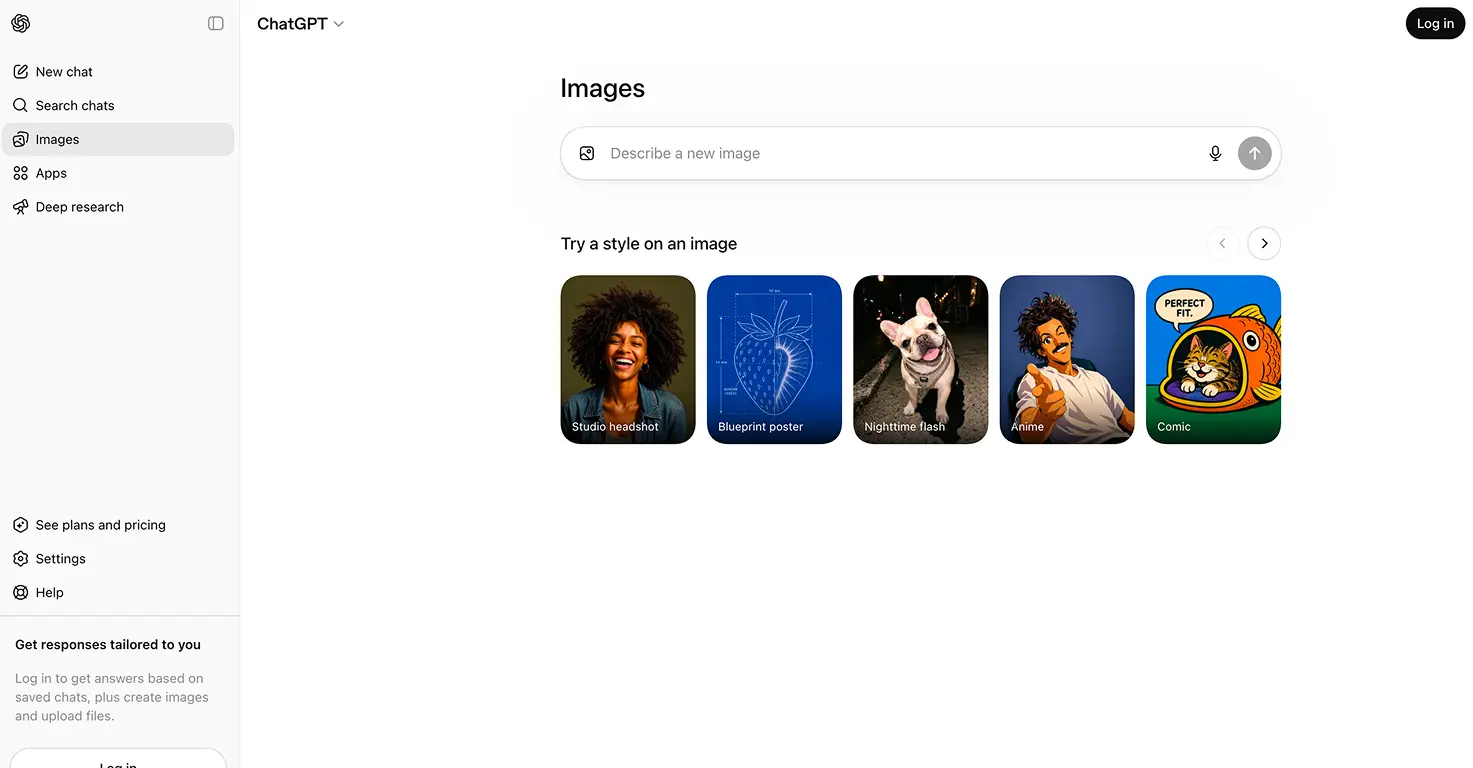
Access is inside ChatGPT. Basic Images 2.0 mode is free for all ChatGPT users.
The "Images with thinking" mode, which allocates more reasoning time for complex prompts, is available on Plus ($20/month), Pro ($200/month), Business, and Enterprise tiers.
Video tutorial
Safety



Key Features
- Reasoning before drawing means the model plans what it is going to generate before it starts, catching errors in spatial relationships and text that older image generators routinely got wrong. The result is noticeably more accurate first-try output.
- Proper text rendering including Japanese, Korean, Chinese, Hindi, and Bengali. The previous generation reliably produced garbled or random characters in non-English scripts. Images 2.0 handles them as legitimate design elements, not noise.
- Up to 8 variations from a single prompt, which is the feature families will use most. Perfect for character design sheets, storybook illustrations that need a consistent main character across scenes, or mood boards for school projects.
- Infographics, slides, maps, and multi-panel comics are all within reach now. The model understands composition well enough to produce layouts that would previously have needed Canva or manual editing. Handy for parents helping with presentations.
Family Projects
- Creating a 4-pose character sheet (front, side, back, action) so the same character can be reused across every other creative project. Tests the capability that broke on every previous AI image tool. Ages 6+, 15 minutes.
- Turning a bedtime story into a 6-panel comic with the same character in every frame and speech bubbles where it fits. Writing the story beats on paper first sneaks in a writing exercise. Ages 7+, 20-30 minutes.
- Putting a character on a magazine cover with the child's own headline and their name spelled correctly. The "stick on the fridge" activity. Text rendering is the unlock here. Ages 6+, 10 minutes.
- Making a classroom-quality infographic on a topic the child is curious about (the water cycle, a Minecraft mob, the solar system). Genuine homework help and wall-worthy output. Ages 8+, 15 minutes.
- Illustrating a 6-page storybook with the same character across every page. The thing that used to break by page three. Print, fold, staple, bedtime. Ages 5+, 30 minutes.
- Designing a toy that does not exist yet as a professional product shot with packaging and box name. Kids who sketch their own inventions love this one. Ages 6+, 10 minutes.
Pricing