Nano Banana 2 Review: AI Learning Games Tested With Real Kids (2026)
ON THIS PAGE
Subscribe To Get Weekly Family AI Discoveries

- Nano Banana Pro is Google's most powerful image AI, available free through Gemini or via platforms like Freepik and Higgsfield
- Best for ages 10+ with parent supervision, ideal for illustrated stories, educational posters, and creative projects
- The text-in-image feature is genuinely useful for homework posters and labeled diagrams
- Character consistency across multiple images makes it perfect for storybook creation
- Content filters are solid but parental involvement remains essential for teaching AI literacy
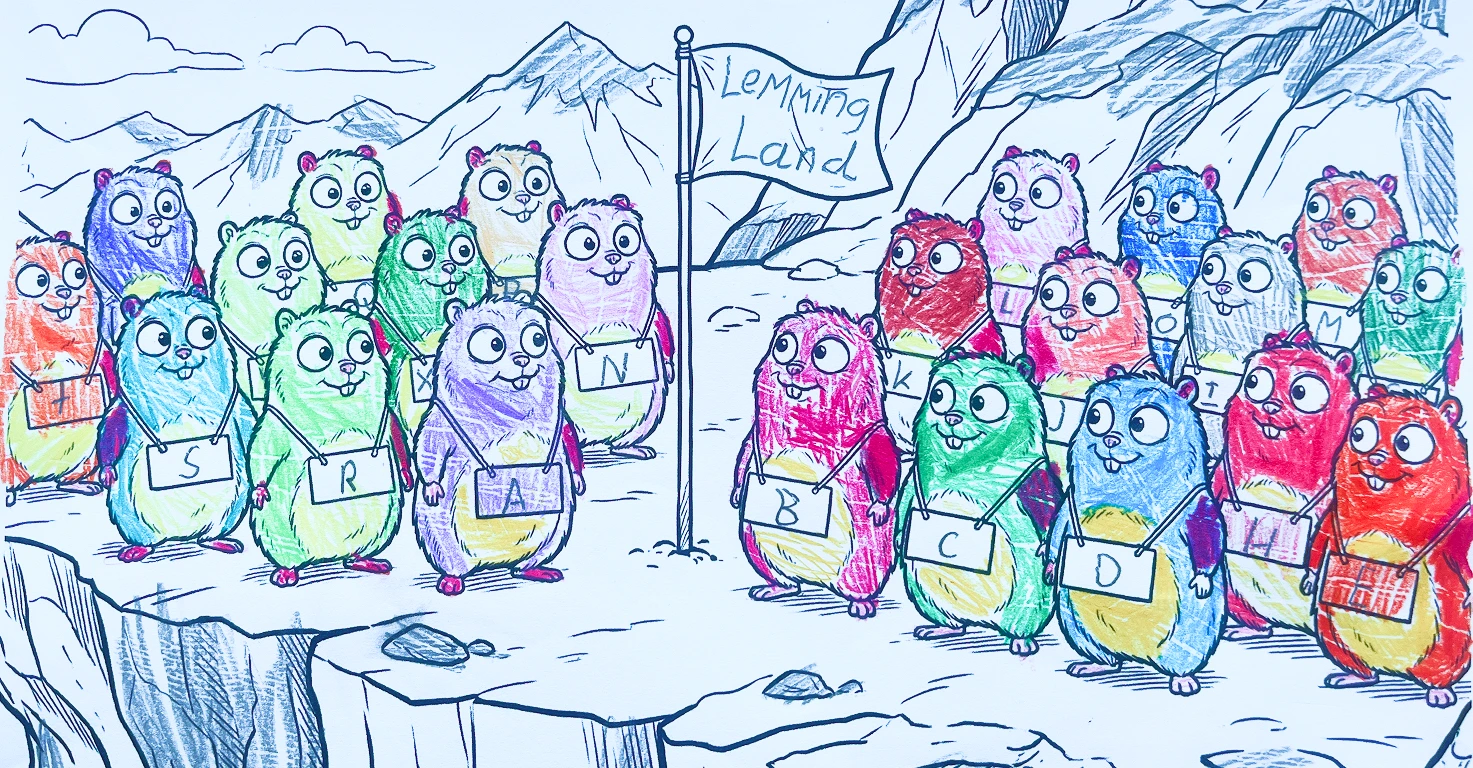
Last night, my 8-year-old came to me with a very specific request: he wanted 26 lemmings from Grizzy and the Lemmings, standing on a mountain cliff with a flag, each wearing a blank name tag on their belly.
His plan? Write a name for every letter of the alphabet, from Alan to Zavier, then add "Welcome to Lemmingland" on the flag.
I refined his idea into a detailed prompt, ran it through Nano Banana Pro, and within seconds we had a printable coloring page with exactly what he'd imagined. He spent 20 minutes coloring it in, carefully naming each lemming. That's the magic of this tool: kids dream it up, the AI makes it real, and they own the result.
Over the past few months, we've used Nano Banana Pro for everything from coloring pages to animated short films with our three kids (ages 3, 5, and 8). I've formed strong opinions about when it works brilliantly and when it falls short. In this deep dive, I'll share exactly what Nano Banana Pro is, how we've used it, what worked, what didn't, and whether it's worth the learning curve for your family.
Not sure which tool is right for your child?
Take our free 2-minute quiz and get personalized AI tool recommendations based on your child's age and interests.
What Is Nano Banana Pro?
Nano Banana Pro is Google's flagship AI image generation model, built on their Gemini 3 Pro engine. The playful name hides serious capability. Google DeepMind notes it became the top-rated image model globally thanks to its quality and ease of use.
In practical terms: you describe an image (or draw a rough doodle), and Nano Banana Pro creates a high-quality visual in seconds. But what sets it apart from other AI image generators are a few specific features that matter for family use:
- Text actually works. Unlike older AI art tools that produced garbled letters, Nano Banana Pro renders crisp, legible text directly in images. This means posters, comic panels with speech bubbles, and labeled diagrams actually look professional.
- Character consistency. If your child creates a character for page one of their storybook, that character will look the same on page ten. This was genuinely impossible with previous tools.
- World knowledge built in. The model draws on Google's factual databases, so it can create accurate diagrams, maps, and infographics with correct details.
💡 Parent Insight: The text-in-image feature alone makes this worth exploring. My daughter's science poster about solar panels came out looking like something from a textbook, complete with properly labeled components.
How We Actually Use Nano Banana Pro With Our Kids
Theory is nice, but does it work with real children? Here's how we've integrated Nano Banana Pro into family activities over the past few months.
Custom Coloring Pages (Ages 5+)
This has become our weekend routine. Maria (5) describes a scene, like "a beautiful unicorn sitting on a cloud with sweets and chocolates all around it." I type her exact words into Nano Banana Pro with one addition at the end: "This should be done as a sketch to be coloured in for a kids activity."
Within 20 seconds, we have a printable coloring page featuring exactly what she imagined. She spends hours coloring these because they came from her imagination, not a generic coloring book.
We've documented our complete workflow in our Custom Coloring Pages project guide, including the printing process that saves ink.
Animated Short Films (Ages 8+)
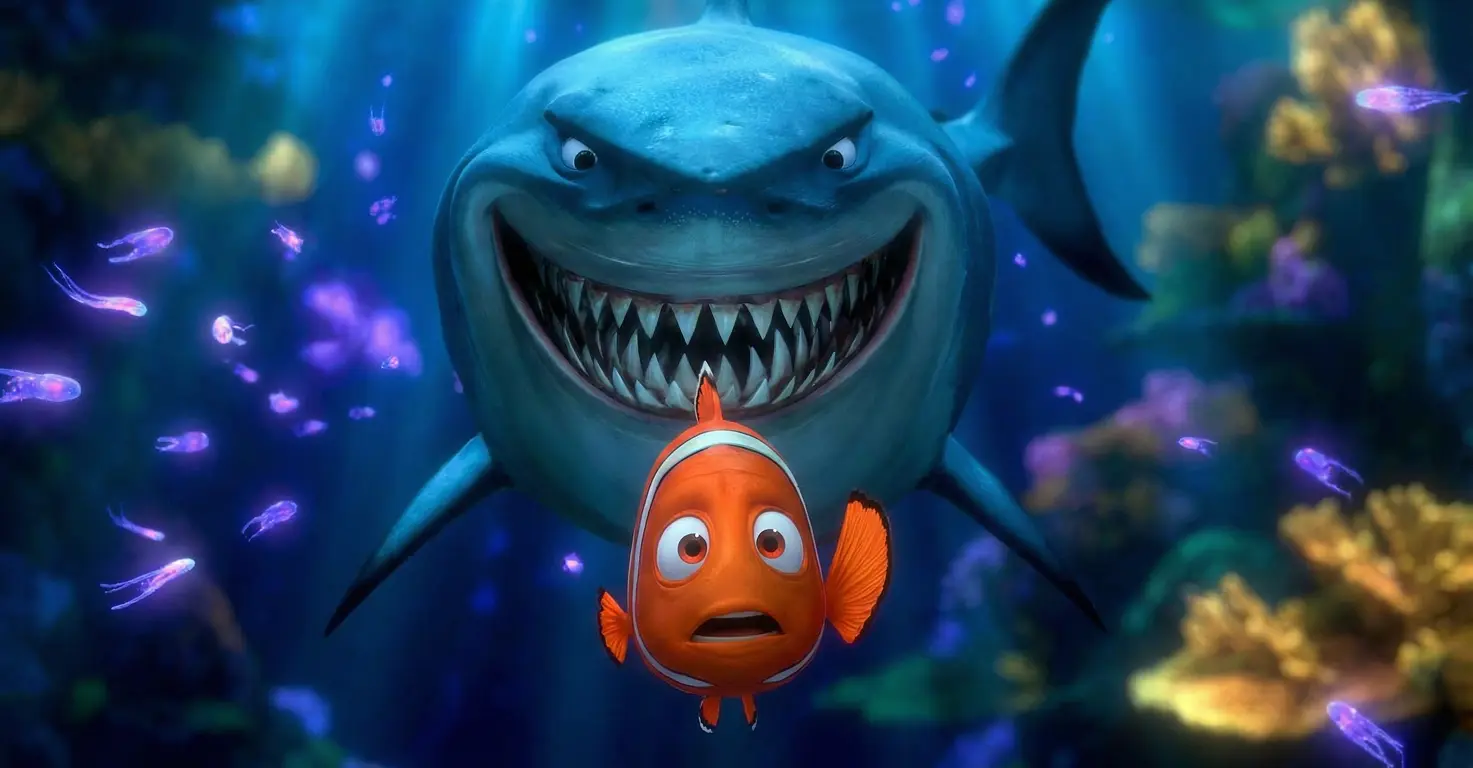
For more ambitious projects, we combine Nano Banana Pro with video AI tools. When Mateo (8) and Maria wanted to create their own "Nemo movie," we used Nano Banana to generate consistent character images across six scenes, then animated them with Kling 2.6.
The whole process took about 90 minutes. Nano Banana Pro's character consistency was essential here, keeping our clownfish looking the same from scene to scene. Check out our Nemo AI Short Film tutorial for the complete process.
Viral Video Trends (Ages 8+ with heavy supervision)
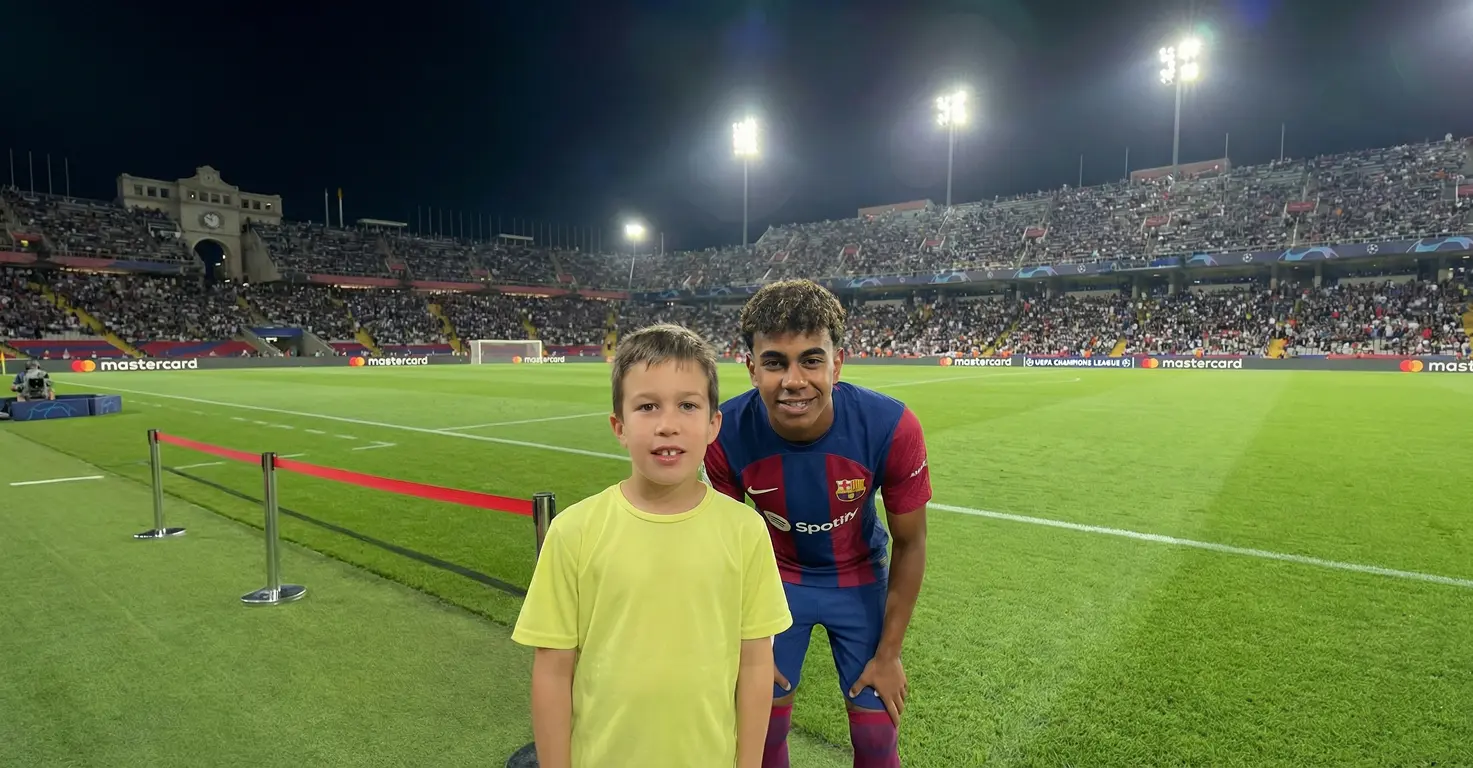
My 8-year-old saw the "AI celebrity selfie" trend and wanted selfies with his favorite footballers. Using Nano Banana Pro through Higgsfield (which has different content filters than Google's direct interface), we created a 30-second clip showing him "meeting" Mbappe, Messi, and Ronaldo on what looks like professional film sets.
This project required significant parent involvement and opened up important conversations about AI-generated content and what's real versus fake online. See our AI Celebrity Selfie Video guide for the full breakdown.
Educational Posters and Diagrams
This is where Nano Banana Pro genuinely surprised me. We asked it to generate an infographic about solar power with labeled components. The result was a clear, accurate diagram showing sunlight, solar panels, an inverter, and home electricity, all with correct labels and professional styling.
For older kids learning about renewable energy, this could turn a homework assignment into something genuinely engaging. The AI's world knowledge means diagrams are actually accurate, not just visually plausible.
Where to Access Nano Banana Pro
One advantage of Nano Banana Pro is availability. You can access it through several platforms, each with different pros and cons:
Google Gemini (Free with limits)
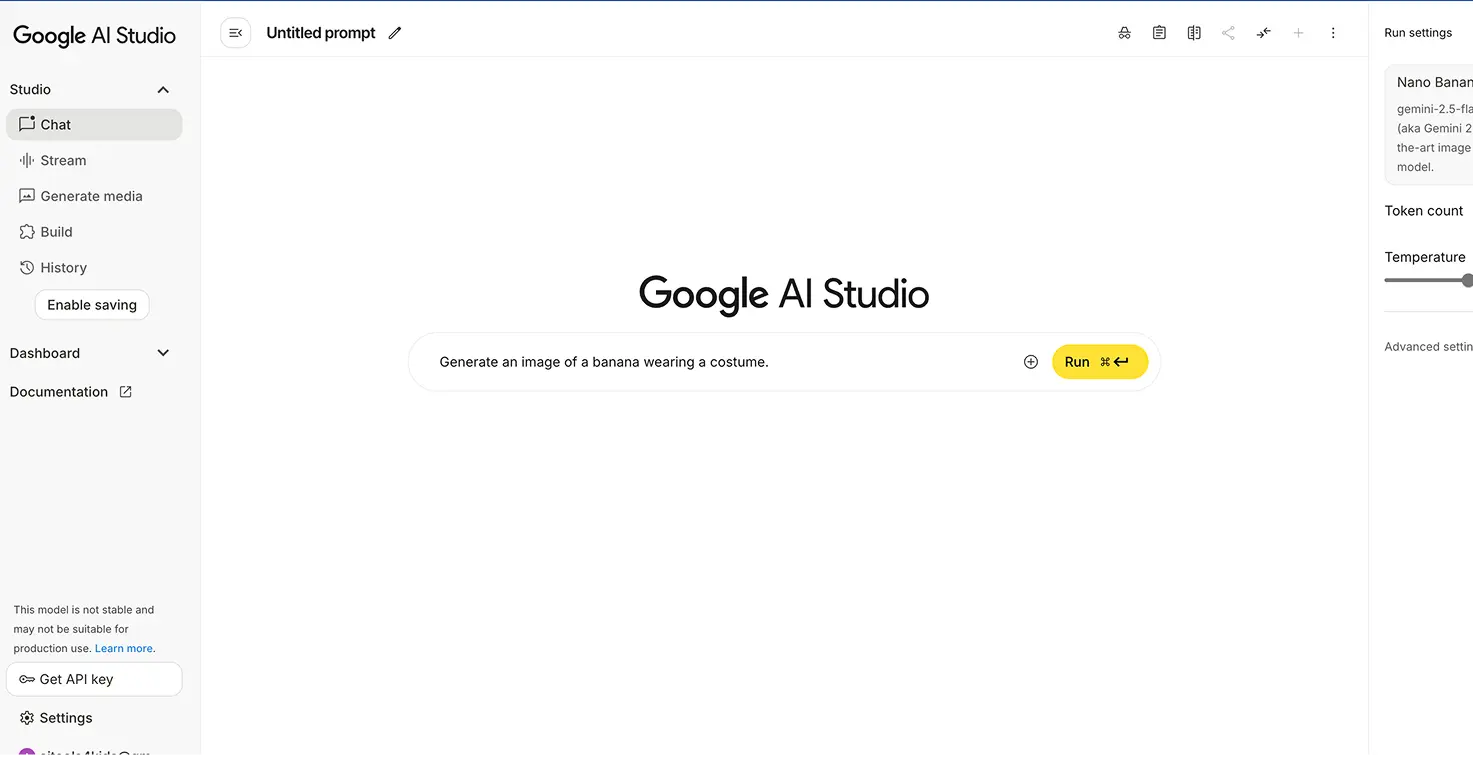
The most direct access. Go to Gemini, select Nano Banana Pro mode, and start creating. Free tier gives you limited generations per day. Some users report hitting a limit after about 10 uses.
Best for: Testing the tool, occasional use, direct Google integration.
Freepik (Free tier + Premium)
Freepik integrated Nano Banana Pro into their AI image suite with a family-friendly, moderated platform. Basic generation is free with limits. Freepik Premium (roughly €12/month) gives unlimited Nano Banana Pro generations.
Best for: Regular family use, cleaner interface, additional moderation for younger users.
Higgsfield (Subscription required)
Higgsfield offers Nano Banana Pro with fewer content restrictions and additional features like 4K resolution. It's slower than Google's direct interface but enables more advanced projects.
Best for: Ambitious creative projects, teens exploring digital art, projects requiring celebrity likenesses. See our full Nano Banana Pro review for detailed platform comparisons.
What Worked: The Wins
Kids Engage Because It's Their Creation
The magic isn't the AI. It's that kids see their own ideas come to life. Maria spent hours coloring pages she created herself. Mateo watched his robot animation approximately 47 times. The engagement is remarkable because they feel ownership.
Learning Happens Naturally
Using Nano Banana Pro teaches kids without feeling like education:
- Descriptive writing: Getting good results requires specific, detailed prompts. "A cat made of stars" produces something abstract. "A constellation in the shape of a cat, in a starry night sky" produces what they actually wanted.
- Iterative thinking: Kids learn that first attempts often need refinement. This is a valuable skill beyond AI.
- Digital literacy: Every session becomes a chance to discuss what's real versus AI-generated, and why that matters.
🔒 Safety Note: We never let our kids use their real full names in AI tools. My daughter's Freepik account is registered as "Student M." It's an extra layer of privacy that costs nothing to implement.
Character Consistency Actually Works
Previous AI image tools were frustrating for storytelling because characters looked different in every image. Nano Banana Pro's consistency means you can generate a series of images and the hero won't suddenly change appearance. This is what makes it viable for storybooks and animations.
Text Rendering Is Game-Changing
For educational use, the ability to generate images with accurate, readable text is huge. Posters, flashcards, diagrams with labels, birthday invitations with the child's name. All possible without manual text overlay afterward.
What Didn't Work: Honest Limitations
Photos of Real Kids Get Blocked
I tried uploading photos of Maria to create coloring pages featuring her. Every generation failed due to content filters. Google's infrastructure blocks this for safety reasons.
Workaround: Generate a cartoon character that represents your child instead, then use that as a reference image for future generations.
Name Pronunciation in Connected Tools
When we used Nano Banana images in Gemini's storybook feature (which adds narration), it mispronounced Irish names like "Niamh" (pronounced "Neev"). The AI said "Nye-am." My son noticed immediately.
Workaround: Read stories aloud yourself instead of relying on AI narration, especially for non-English names.
Free Limits Can Frustrate Creative Streaks
When kids are on a creative roll, hitting a generation limit is genuinely disappointing. Some users report frustration hitting the cap on Google's free Gemini tier during a creative streak.
Workaround: Platform hop. If you hit limits on Gemini, switch to Freepik or another platform offering the same model.
Complex Scenes Still Have AI Quirks
Very detailed prompts occasionally produce minor errors: an extra finger, text that's 95% correct but one letter off, lighting inconsistencies. These are far fewer than before, but perfection isn't guaranteed.
Workaround: Generate 2-3 options and pick the best. Regenerate if needed.
Safety and Supervision: What Parents Need to Know
Google built Nano Banana Pro with responsible AI principles. Every image carries a subtle SynthID watermark identifying it as AI-generated. Content filters prevent violent or adult content.
But filters aren't parenting. Here's what we actually do:
- We use it together. At least initially, every session is supervised. This isn't just safety, it's about having conversations about what we're creating and why.
- We discuss what's real. When Mateo made his football celebrity images, we talked about how photos can be faked and why truthfulness matters online. This technology makes media literacy essential.
- We set ground rules. What kinds of images are okay to create? What do we do if something unexpected appears? Having these conversations before creative sessions prevents issues.
💡 Pro Tip: Nano Banana Pro often opens teachable moments about AI and digital media. Lean into these conversations, they're more valuable than the artwork itself.
Is Nano Banana Pro Worth It for Families?
For casual exploration, the free tier through Google Gemini is enough to see if your family enjoys AI image creation. No commitment required.
For regular use, a platform subscription makes sense. We use Freepik Premium (€12/month) for unlimited generations. The cleaner interface and family-friendly moderation are worth it for us.
For ambitious projects, especially with teens interested in digital art or content creation, Higgsfield's advanced features justify the cost.
The real question isn't cost. It's whether your family will actually use it. Based on our experience:
- Ages 5-7: Great for parent-led coloring pages and simple illustrated stories. Kids provide ideas, parents handle the tool.
- Ages 8-10: Kids can start writing their own prompts with guidance. Perfect for creative projects, school presentations, and storytelling.
- Ages 11+: Capable of independent use with periodic check-ins. Good for exploring digital art, creating content, and more advanced projects.
The Bottom Line
Nano Banana Pro is the first AI image tool I'd genuinely recommend for family creative projects. The character consistency, text rendering, and world knowledge features solve real problems that made previous tools frustrating.
It's not a babysitter. Active parent involvement makes the difference between mindless generation and genuine learning. But when used thoughtfully, it transforms how kids engage with their own creativity.
My 3-year-old sees his playschool story come to life. My 5-year-old colors pages from her own imagination. My 8-year-old creates animations he watches 47 times. That's the real test of any family tool: do kids want to keep using it?
With Nano Banana Pro, the answer is yes.
Want to try it yourself? Start with our Nano Banana Pro complete tool review for setup instructions and safety settings, then dive into one of our family projects to see what's possible.