

Gemini Omni




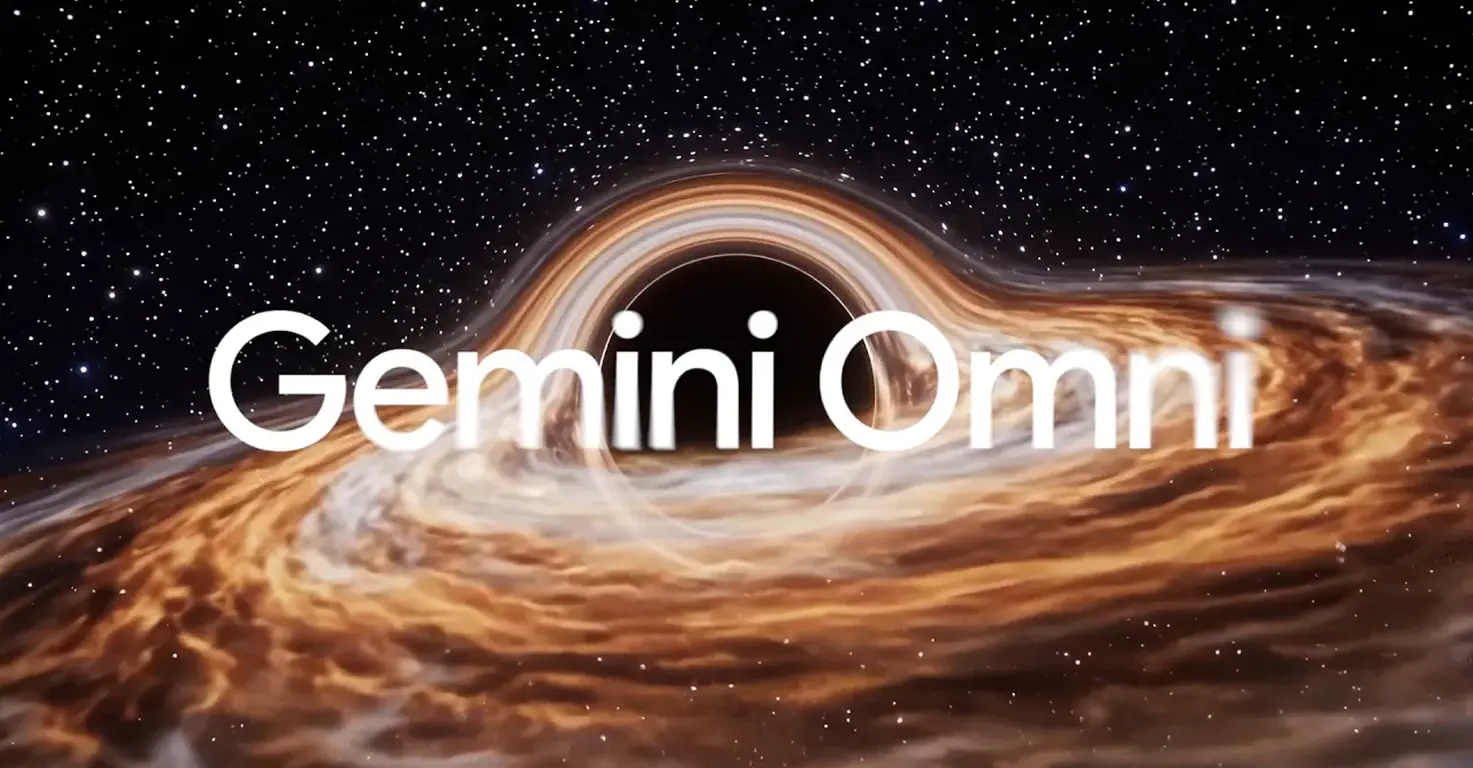



Gemini Omni is Google's new any-to-any generative model, launched at Google I/O 2026 on the 19th of May. The first product in the family is Gemini Omni Flash, a multimodal video model that takes text, images, audio, and existing video as input and produces a 10-second video clip as output.
The real shift here is conversational editing. You can keep talking to the model in plain English across multiple turns to change camera angles, swap locations, add or remove objects, transform a person into a different character, or apply a visual style, and the scene remembers what came before. Characters stay consistent, physics behave the way you expect, and the original action is preserved while everything around it can change. That second part, the scene memory, is what separates this from earlier video generators that drop continuity the moment you edit.
For families, the headline matters: at launch, Gemini Omni Flash sits inside the Gemini app and Google Flow behind a Google AI Plus subscription, $7.99 a month, with a free trial usually offered on signup. Google has said a free path through YouTube Shorts and the YouTube Create app is rolling out, but as of late May 2026 the AI-animation features were not yet reliably exposed in those apps for users in Ireland and the UK. Plan for the paid tier if you want to try this with your kids today. Every clip Omni produces carries Google's SynthID watermark, so it can be verified as AI-generated through the Gemini app, Gemini in Chrome, or Google Search. That watermark is the single most useful safety feature here, and it is the conversation starter you should have with your kids before you let them anywhere near this tool.
Video tutorial
Safety



Key Features
Any-to-any multimodal input takes text, images, audio, and video at the same time and reasons across all of them, so a child's drawing plus a voice note plus a quick text prompt can become a coherent 10-second animation rather than four disconnected fragments.
Conversational scene editing lets you keep talking to the model in plain English to change the location, camera angle, characters, or objects without losing the original action. The scene remembers what came before, which makes it the first video model that feels closer to editing than re-rolling.
Character and physics consistency across multi-turn edits is the standout capability, the violin-player from the I/O keynote demo held up under independent reviewer scrutiny. Scenes can be reframed, restyled, or relocated while characters keep their identity and the original action stays believable.
SynthID watermark on every clip tags the output as AI-generated and can be verified through the Gemini app, Gemini in Chrome, and Google Search. That gives parents a built-in teaching moment about what is real and what is generated, which is exactly the conversation we should be having with kids anyway.
Family Projects
- Animating a child's drawing by scanning a sketch with your phone, uploading it as a reference image, and asking Omni to bring the scene to life for 10 seconds with the same characters moving exactly as drawn.
- Building a claymation explainer on whatever your child is curious about that week, dinosaurs, the water cycle, or how a volcano erupts, by prompting Omni for a stop-motion claymation style with no hands visible.
- Transporting a home video to a new location by uploading a short clip and asking Omni to keep the same action but place everyone in space, on a coral reef, or in an Irish castle.
- Making a beat-synced short where lights, objects, or scenes change in time with a favourite song, a great introduction to how visual rhythm and music timing work together.
- Comparing real versus generated by filming a clip, generating an Omni version of the same scene, and using SynthID verification together to spot the watermark. The media-literacy lesson lands harder than any lecture.
Pricing