ChatGPT vs Claude for Kids: Which AI Chatbot Is Safer? (2026)
ON THIS PAGE
Subscribe To Get Weekly Family AI Discoveries

- Claude is rated "Minimal Risk" by Common Sense Media while ChatGPT is rated "High Risk" for teens, making Claude the safer option by default
- ChatGPT has actual parental controls including account linking, quiet hours, and safety alerts, while Claude has none (it officially requires users to be 18+)
- Claude's Learning Mode is the best homework tool available because it uses Socratic questioning instead of giving answers directly
- ChatGPT now shows ads on free and Go tiers though not to accounts identified as under 18
- Neither is safe unsupervised for children, but both are significantly safer than letting kids use unmoderated AI tools
Here's the uncomfortable truth I discovered after months of testing: the AI chatbot that's safer for kids doesn't actually want kids using it. And the one with real parental controls has been linked to teen suicides.
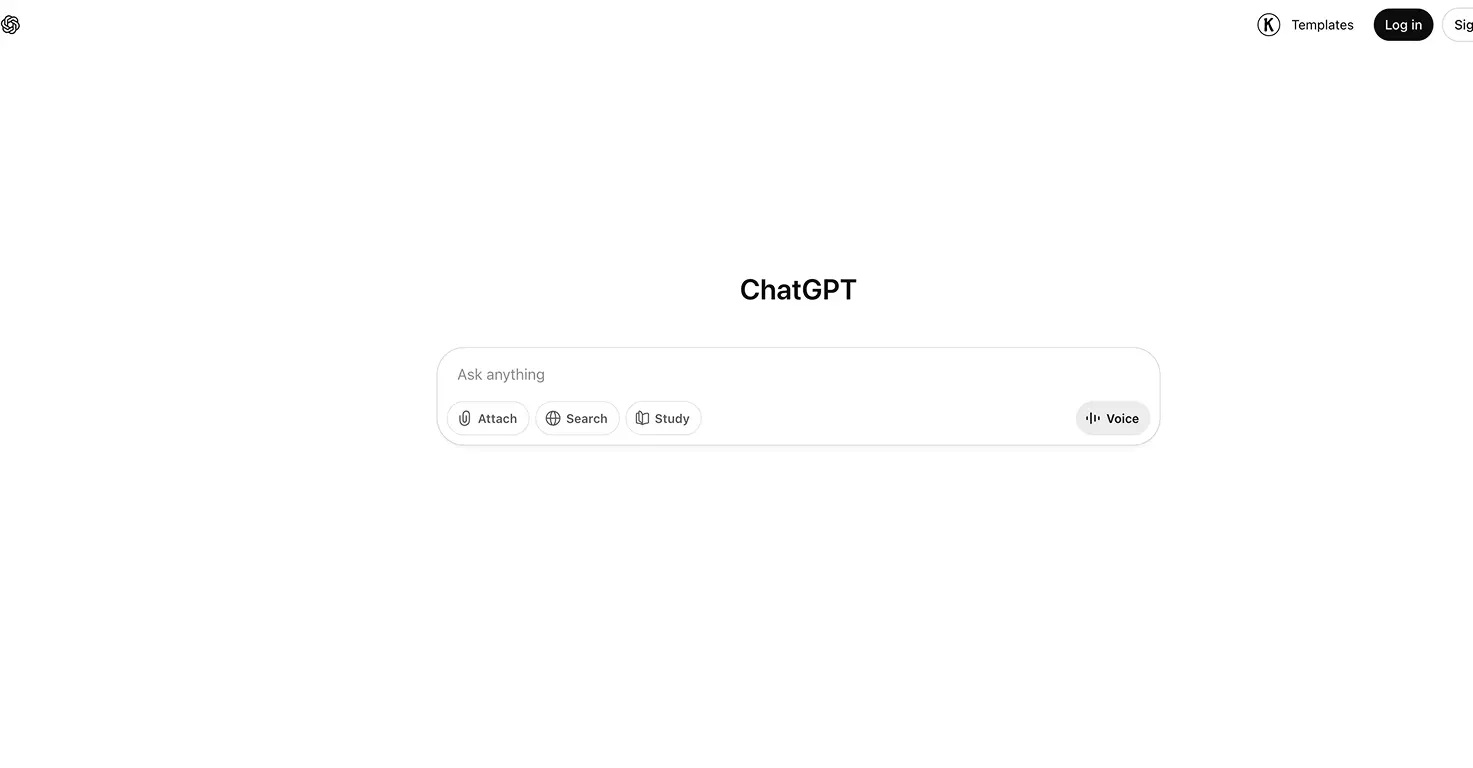
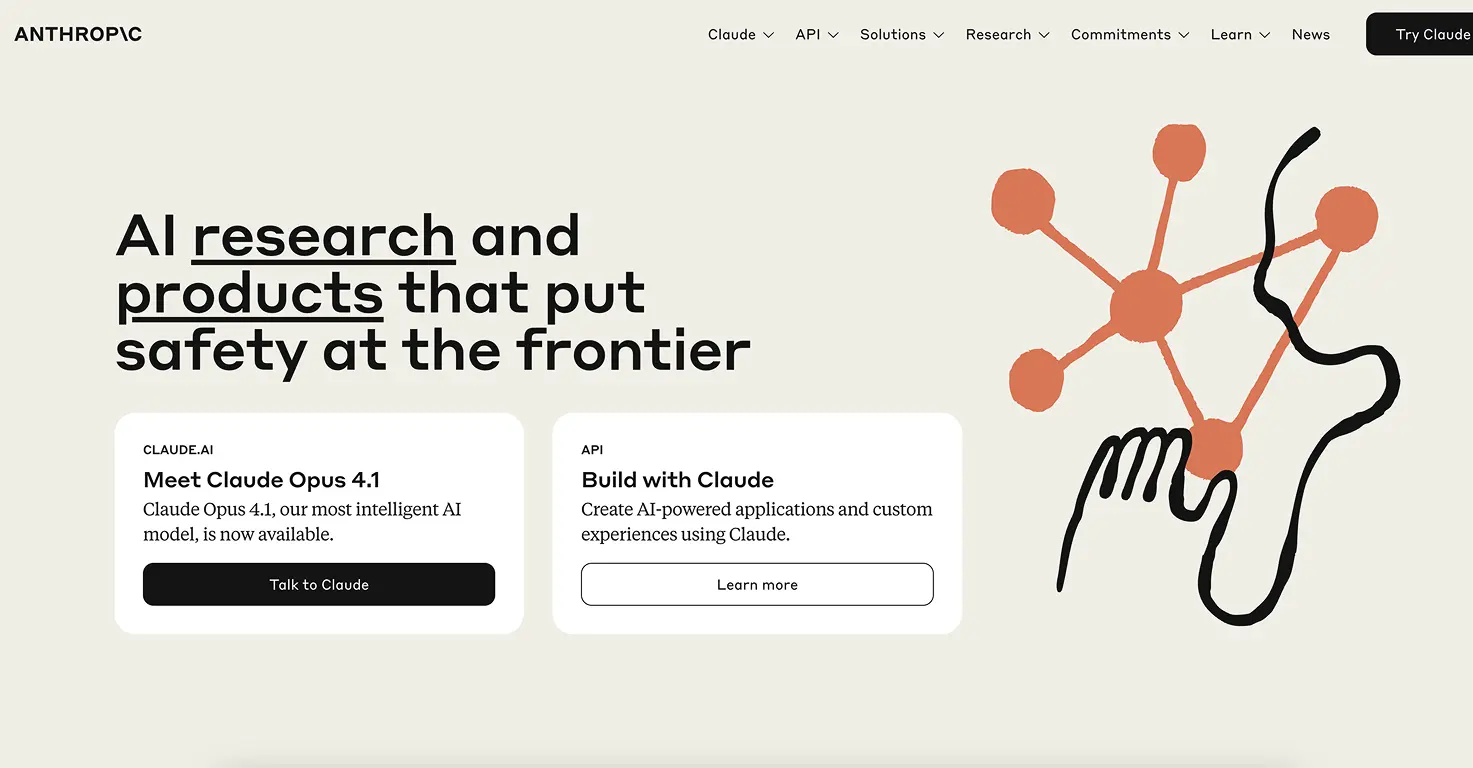
Claude (made by Anthropic) is rated "Minimal Risk" by Common Sense Media, the lowest risk rating they give. ChatGPT (made by OpenAI) is rated "High Risk." But Claude requires users to be 18+ and has zero family features. ChatGPT lets teens sign up from age 13 and gives parents account linking, quiet hours, content filters, and safety alerts.
I've been testing both with my 6 and 8-year-old for homework, creative projects, and general curiosity questions. Here's what I found, and which one I actually let my kids use.
Not sure which tool is right for your child?
Take our free 2-minute quiz and get personalized AI tool recommendations based on your child's age and interests.
The quick answer: Claude for safety, ChatGPT for family features
If your primary concern is what the AI might say to your child, Claude is the safer choice. Its responses are more careful, it refuses borderline content more consistently, and it can terminate conversations that turn harmful.
If you need practical tools to manage your teen's AI use (screen time limits, content controls, safety notifications), ChatGPT is the only option with built-in parental features.
If your child needs homework help specifically, Claude's Learning Mode is the clear winner. It teaches through questions instead of handing over answers.
The real answer for most families: use both, for different purposes, with supervision.
Safety ratings: what the experts say
Common Sense Media, the most trusted name in family tech reviews, has rated both chatbots. The gap is significant.
| Category | Claude | ChatGPT |
|---|---|---|
| Overall risk level | Minimal | High |
| Keeps kids safe | Minimal risk | High risk |
| Trustworthy information | Low risk | High risk |
| Uses data responsibly | Minimal risk | Moderate risk |
| Prioritises fairness | Low risk | Low risk |
Claude scored "Minimal" (the best possible rating) in most categories. When Common Sense Media tested it with harmful prompts, Claude consistently identified stereotypes, refused dangerous requests, and added health disclaimers. ChatGPT provided detailed responses on topics including rapid weight loss, sexual content, and violence during the same testing.
This matters because kids don't always ask straightforward homework questions. They test boundaries. They ask about things they've heard at school. And the AI's response in those moments is what separates a safe tool from a risky one.
Parental controls: ChatGPT has them, Claude doesn't
This is the paradox. The riskier chatbot built better family tools.
What ChatGPT offers parents
ChatGPT launched parental controls for linked teen accounts (ages 13-17). Parents can:
- Link accounts so your teen's ChatGPT is connected to your parent account
- Set quiet hours to block access during bedtime or school
- Filter content to reduce violent, sexual, graphic, and romantic responses
- Disable voice mode so your child interacts through text only
- Turn off image generation so ChatGPT can't create or edit pictures
- Disable memory so conversations aren't stored and recalled
- Opt out of training so your teen's conversations don't feed future AI models
- Get safety alerts via email, SMS, or push notification when the system detects signs of self-harm or serious distress
These are genuine, useful features. The safety alerts in particular give parents a lifeline they don't get anywhere else.
What Claude offers parents
Nothing. Claude officially requires users to be 18+ (here's what that rule actually means for parents), so Anthropic hasn't built any family features. There's no kid mode, no account linking, no quiet hours, no content toggles, and no safety alerts.
The workaround I use: Claude's Projects feature lets you set custom instructions. I created a "Homework Helper" project with rules like "You are helping a primary school student. Keep all content age-appropriate. Use the Socratic method. Never provide complete answers." This shapes Claude's behaviour within that project, but it's not enforced at a system level the way ChatGPT's parental controls are.
💡 Parent Insight: ChatGPT's parental controls have a major limitation. Your teen can unlink their account at any time, or simply create a new account with a different email. OpenAI acknowledges this themselves. The controls are a speed bump, not a wall.
Homework help: this is where Claude wins convincingly
The biggest practical difference for families isn't safety filters. It's how each tool handles homework.
ChatGPT gives the answer
When my 8-year-old asked ChatGPT "What caused the Great Fire of London?", it gave a clear, well-structured paragraph explaining the bakery on Pudding Lane, the dry conditions, and the wooden buildings. Accurate. Helpful. And completely useless for learning, because my son just copied the answer into his notebook.
Claude asks questions back
Claude's Learning Mode works differently. The same question got this response: "That's a great question! Before I help, what do you already know about London in 1666? Think about what buildings were made of back then."
My son had to think. He said "wood?" Claude then asked what might happen to wooden buildings close together. He connected the dots himself. It took five minutes instead of thirty seconds, but at the end he understood the answer rather than just having it.
This is the Socratic method, and it's genuinely effective. Claude won't give your child the answer. It asks guiding questions that build toward understanding. For parents worried about AI doing their child's homework, this is the feature that matters most.
This ties into a bigger question about whether kids should learn to use AI tools or understand how they work. We explored that distinction in our AI literacy guide, and Claude's Learning Mode is one of the best examples of a tool that teaches literacy, not just usage.
The maths problem
There's a catch. ChatGPT's underlying model (GPT-5.2) has documented issues with basic arithmetic. During one session, it made a computation error while walking my son through a multiplication problem. Claude's maths is generally more reliable, and its extended thinking feature lets you see the working-out process, so errors are visible.
Neither tool should be trusted for maths without parent oversight. But Claude's visible reasoning makes mistakes easier to spot.
What actually happened when my kids used both
My 8-year-old
For homework: We use Claude with Learning Mode. It's slower but he actually learns. The Socratic questioning has become something he expects now. When I help him with homework myself, he says "you're just giving me the answer, that's not how Claude does it."
For creative projects: ChatGPT is more fun. He used it to brainstorm ideas for a school story, generate silly images of characters, and plan a science fair project. Claude would have been more cautious and less playful here.
My 6-year-old
Claude: She tried it a few times but lost interest quickly. It's text-heavy and she can't read most of the responses yet. Even with speech-to-text, the conversation style doesn't suit her age.
ChatGPT: She loves the voice mode. She asks it questions about animals, gets it to tell stories, and giggles when it sings. At 6, the interactive voice experience is far more engaging than a text chat. We only use it together, and I keep the session short.
For young kids (under 8), neither tool is designed for independent use. But if I had to pick one for supervised play, ChatGPT's voice mode wins on engagement.
Privacy: both have changed their policies
This section matters and most parents miss it.
| Privacy feature | Claude | ChatGPT |
|---|---|---|
| Trains on your conversations? | Yes (opt-out available) | Yes (opt-out available) |
| Data retention after deletion | 30 days | 30 days |
| Ads that use conversation data | No ads | Yes (free/Go tiers) |
| Ads shown to under-18s | N/A | No |
| Training opt-out via parental controls | No (manual per-account) | Yes (parent can toggle) |
Both companies now train on your conversations by default. This changed for Claude in August 2025, which caught many users off guard since "we don't train on your data" used to be a key selling point.
What this means for your child: every question they ask, every personal detail they share, could end up in training data unless you manually opt out. On ChatGPT, parents can toggle this off through parental controls. On Claude, you have to find it in Settings > Privacy for each account individually.
First thing to do on either platform: opt out of training data. Settings > Privacy (Claude) or Settings > Data Controls (ChatGPT). It takes 30 seconds and it's worth doing before your child uses either tool.
Pricing for families
| Plan | ChatGPT | Claude |
|---|---|---|
| Free tier | GPT-5.2 Instant, ~10 msgs/5hrs | Sonnet 4.5, ~30-100 msgs/day |
| Budget option | Go: $8/month (with ads) | None |
| Full access | Plus: $20/month (ad-free) | Pro: $20/month (ad-free) |
| Family plan | None | None |
| Parental controls | Yes (free, linked account) | No |
Neither offers a family plan, which is frustrating. For most families, the free tiers of both are enough for homework help and casual use. Claude's free tier is actually more generous with daily messages.
If you're paying, both cost $20/month at the full-access level. ChatGPT's $8/month Go tier is a middle option but comes with ads (though not for under-18 accounts).
The safety question parents actually ask
"What if my child asks it something they shouldn't?"
I tested both with borderline questions a curious kid might ask. Without getting into specifics, here's what I found:
- Claude refuses more readily. It declines borderline requests and explains why. If asked about something violent in a fictional context, it often won't engage. This is sometimes frustrating (my son couldn't get help with a story about a knight fighting a dragon) but always safe.
- ChatGPT engages more freely. It will often attempt a response with a content warning rather than refusing outright. This means more helpful answers for legitimate questions, but also more risk with inappropriate ones.
- Claude can end conversations. Since August 2025, Claude can terminate conversations that become persistently harmful. This is a last-resort feature, but it's something no other chatbot does.
- ChatGPT has an age prediction system. Since January 2026, ChatGPT tries to detect whether a user is under 18 based on behaviour patterns, and applies stricter filters automatically. If it's unsure, it defaults to the teen experience. Claude has no equivalent.
The full comparison
| Feature | Claude | ChatGPT |
|---|---|---|
| Common Sense Media | Minimal risk | High risk |
| Minimum age (ToS) | 18+ | 13+ (with parental consent) |
| Parental controls | None | Account linking, quiet hours, content filters, alerts |
| Homework approach | Socratic (asks questions, won't give answers) | Direct (gives answers by default) |
| Voice mode | No | Yes (natural conversation) |
| Image generation | No | Yes (DALL-E) |
| Learning Mode | Yes (Socratic questioning) | No |
| Visible reasoning | Yes (extended thinking) | Yes (GPT-5.2 Thinking) |
| Ads | None | Free and Go tiers (not for under-18s) |
| Age detection | Checkbox only | Behavioural age prediction system |
| Can end harmful chats | Yes (self-termination) | No (redirects only) |
| Safety approach | Constitutional AI (published principles) | Red teaming + RLHF + teen protections |
The bottom line
The honest recommendation depends on your child's age and what you need.
For homework help (ages 8+): Claude with Learning Mode. It won't do your child's homework for them, which is exactly what you want. Set up a dedicated Project with age-appropriate instructions and sit nearby for the first few sessions.
For creative exploration (ages 6+): ChatGPT, supervised. Voice mode, image generation, and a more playful personality make it better for creative projects. Use parental controls if your child is 13+, and sit with them if they're younger.
For teens (13+) using AI independently: Start with ChatGPT's parental controls to establish boundaries. Introduce Claude for serious schoolwork. Opt out of training data on both platforms immediately.
We also used ChatGPT voice chat for a football quiz on a car journey. It worked brilliantly for player career questions, but confidently fabricated recent match results. The boys caught it and called it out. That single moment taught them more about AI limitations than any safety talk I could have given.
For young kids (under 8): Neither is designed for this age group. If you're going to use one together, ChatGPT's voice mode is more engaging for short, supervised sessions. Keep it to 10-15 minutes.
What I actually do: Claude for my 8-year-old's homework (Learning Mode), ChatGPT for creative projects and my 6-year-old's "tell me about sharks" voice conversations. Both with me sitting right there. The first thing I did on both accounts was opt out of training data.
The perfect AI chatbot for kids doesn't exist yet. Claude has the right safety philosophy but won't build family tools. ChatGPT has the family tools but needs them because it's less safe by default. Until one of them closes that gap, parents need to be the missing safety feature.
Read our detailed ChatGPT review and Claude review for deeper looks at each platform's features, safety ratings, and setup guides.