Best AI Games for Kids: 11 Safe Options We've Tested (2026)
ON THIS PAGE
Subscribe To Get Weekly Family AI Discoveries

- AI games work best as creative tools, not passive entertainment. The best options let kids build, create, and problem-solve
- Age matters more than you'd think. A 5-year-old and 10-year-old need completely different AI game experiences
- Free tiers are genuinely useful. Every game on this list offers enough free access for real family testing
- Parental supervision stays important. Even kid-friendly AI games benefit from adult involvement, especially at first
- Educational value varies wildly. Some teach coding and creativity; others are just fun. Both have their place
My 6-year-old recently asked if she could "play with the robot that makes stories." She was talking about an AI tool we'd tested together, and it struck me: to her, it wasn't homework help or a creativity app. It was a game.
That got me thinking about AI games for kids more broadly. After spending over a year testing every AI-powered game and interactive tool I could find with my three kids (ages 3, 6, and 8), I've learned that the best AI games don't feel like AI at all. They feel like magic, play, and discovery.
This guide shares the 10 AI games that actually held my kids' attention, taught them something real, and passed my safety requirements. No marketing fluff, just what worked in our living room.
Not sure which tool is right for your child?
Take our free 2-minute quiz and get personalized AI tool recommendations based on your child's age and interests.
What Makes a Good AI Game for Kids?
Before getting into specific tools, here's what I've learned separates the good AI games from the forgettable ones:
New from our research: what parents really think about AI for their kids. Most families start with free tools, which is exactly where these games fit.
Instant feedback loops. Kids have zero patience for loading screens or complicated setups. The best AI games respond in seconds, keeping that sense of "I made this happen" strong.
Creative control. Passive AI experiences bore kids quickly. The games that stuck were ones where my kids felt like directors, not spectators. They wanted to shape what happened next.
Age-appropriate complexity. My 8-year-old thrives with tools that require learning prompt techniques. My 6-year-old needs simpler interfaces where she can speak or draw her ideas. One size does not fit all.
Replay value. The best AI games generate different results each time. My daughter has made 40+ stories with the same tool because every session creates something new.
The 10 Best AI Games We've Actually Tested
These aren't theoretical recommendations. Every game on this list has been tested multiple times with at least one of my kids, and I'm sharing specific results from those sessions.
1. WordLab (Best for Vocabulary Practice, Ages 6+)
WordLab started because of my 8-year-old's homework book. He's in second grade and every week his spelling workbook has a word search, a crossword, unjumble exercises, and Who Am I clues.
He's good at them and doesn't take long. But I noticed something: the format works, he enjoys it, but the topics are fixed. So I thought, what if I took the same concept and let him pick any topic he wants? Which, because he's obsessed with football, means Arsenal players.
I built it first as an Arsenal-only game, then realised there was no reason to limit it. Now kids type any topic and get five word games generated by AI in seconds.
Here is a short tutorial video I created walking through the game:
What kids actually do:
- Crosswords: Solve crossword puzzles with AI-generated clues about their chosen topic
- Wordsearch: Find hidden words in a word search grid
- Unscramble jumbled letters
- Fill in missing letters from partially revealed words
- Play "Who Am I?" guessing games with progressive clues
Why it works as a game: The games mirror what kids already do for homework, but it doesn't feel like homework. My son will happily spend 15-20 minutes on the Arsenal crossword, then move to the word search, then try the unjumble. He uses hints and reveals when he gets stuck, and that's fine, because he's still learning new vocabulary and improving his comprehension. The topic choice is the hook. He picked the game, so he owns it.
Testing results with my 8-year-old: He finds it genuinely engaging. He'll do 15-20 minutes on one game, then move to the next. The crossword is his favourite because the clues are specific enough to be challenging ("Norwegian playmaker and set-piece specialist" for Odegaard).
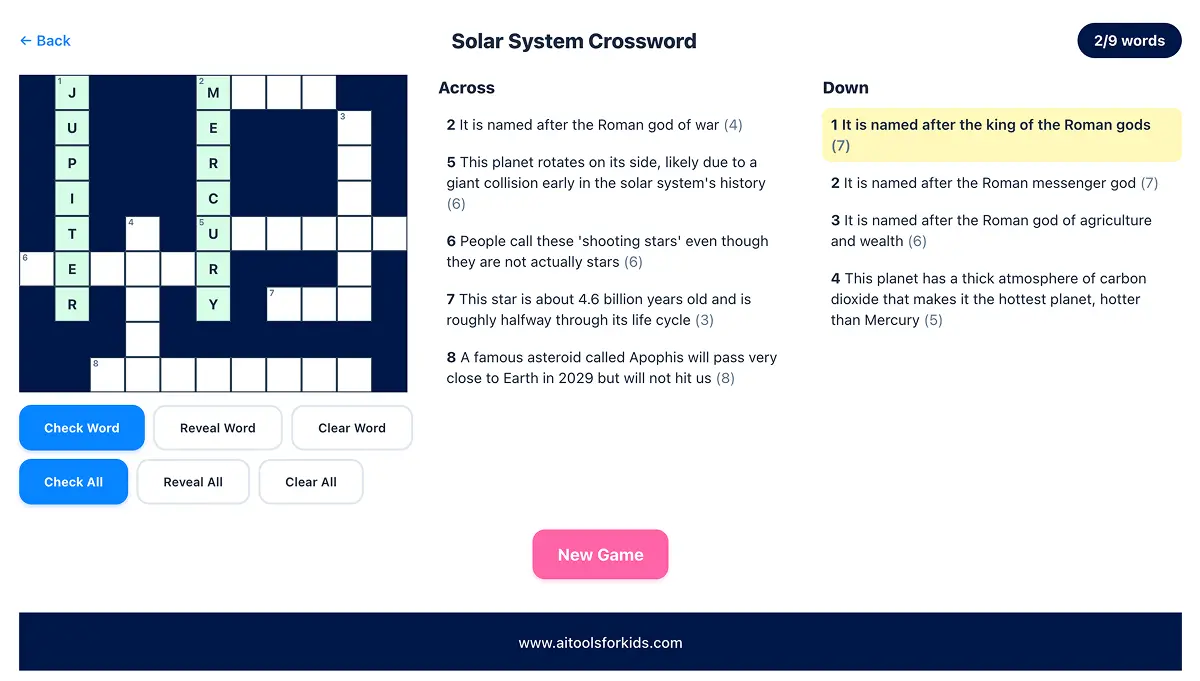
Testing results with my 6-year-old: Too advanced for independent use right now, but works really well as a together activity. I typed in "Peppa Pig" and we worked through the crossword together. For shorter names I get her to spell them out: P-E-P-P-A, S-U-Z-I. The word search grid is too big for her to scan alone, but if I point to roughly where a short word starts, she can spot it and trace it with her finger.
Not just for kids: My wife came home from her Zumba class and typed in "dancing." She spent 20 minutes on world dances, completely engrossed. If you want to learn about a new topic yourself, it works for adults too.
Cost: Completely free. No signup required. No ads. No data collected.
Parent involvement: Low for ages 7+. They type a topic and play independently. For ages 5-6, it works as a parent-child activity where you guide them through the shorter words and simpler games.
Parent Insight: I built this using Claude AI to generate the word lists and clues. The AI stays completely invisible. My son has no idea AI is involved. He just thinks it's a word game that knows about Arsenal. That's how AI tools should work for kids: useful, invisible, and fun.
2. LittleLit (Best for Ages 4-10)
LittleLit became my 6-year-old's favorite "game" within a week of trying it. She doesn't know she's using AI. She thinks she's playing in creative studios where a friendly character named Litto helps her make things.
What kids actually do:
- Write illustrated storybooks by talking to an AI buddy
- Compose songs with lyrics about anything (our dog has three theme songs now)
- Design custom t-shirts and products
- Build STEM projects with step-by-step guidance
Why it works as a game: The six different "studios" feel like game levels. Kids unlock new creative powers as they explore. My daughter spent 25 minutes making a story about a brave cat, completely unprompted, because she was having fun.
Testing results: My 6-year-old used LittleLit 3-4 times per week for two months straight. Engagement dropped slightly when we hit paywall limits on the free tier, but she still asks to use it regularly.
Cost: Free tier available. Premium is $5.99/month.
Parent involvement: Medium. Younger kids need help typing, but the interface is intuitive enough for 7+ to use independently.
Parent Insight: The music studio became an unexpected hit. My daughter made a song about her stuffed bunny that we played at her birthday party. The pride on her face was worth more than any educational outcome.
3. Gemini Storybook (Best for Bedtime Routine, Ages 3-8)

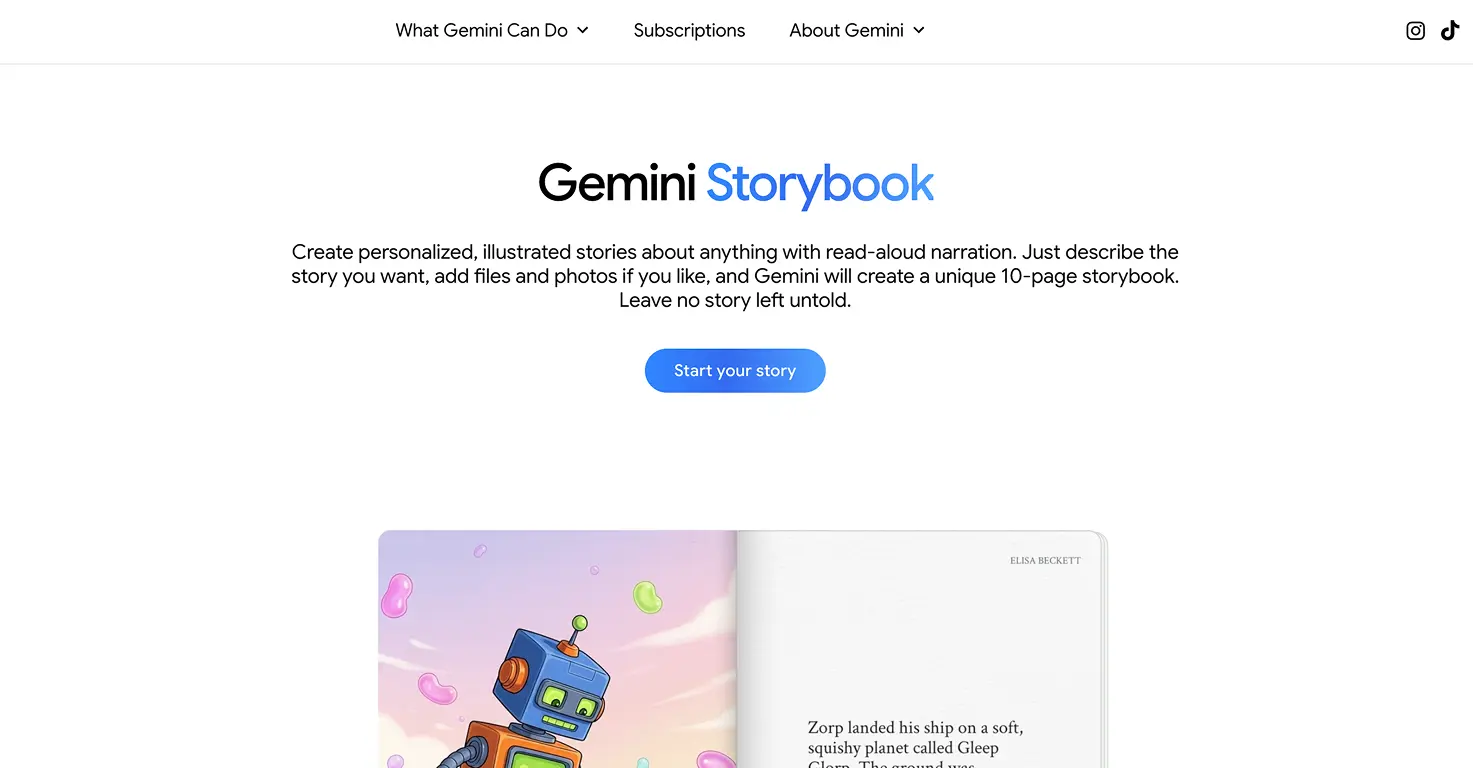
Gemini Storybook turned our bedtime routine into something my kids genuinely look forward to. It creates personalized 10-page illustrated stories based on prompts you provide.
The game element: Kids get to be the "idea person." They suggest characters, settings, and problems. Then the AI creates a story starring their exact vision. My 3-year-old doesn't understand AI, but he understands that when he says "dinosaur princess who fights robots," a book about that actually appears.
What makes it special:
- Read-aloud narration in 45+ languages
- You can upload family photos to include real people as characters
- Stories generate in under 2 minutes
- Completely free through Google
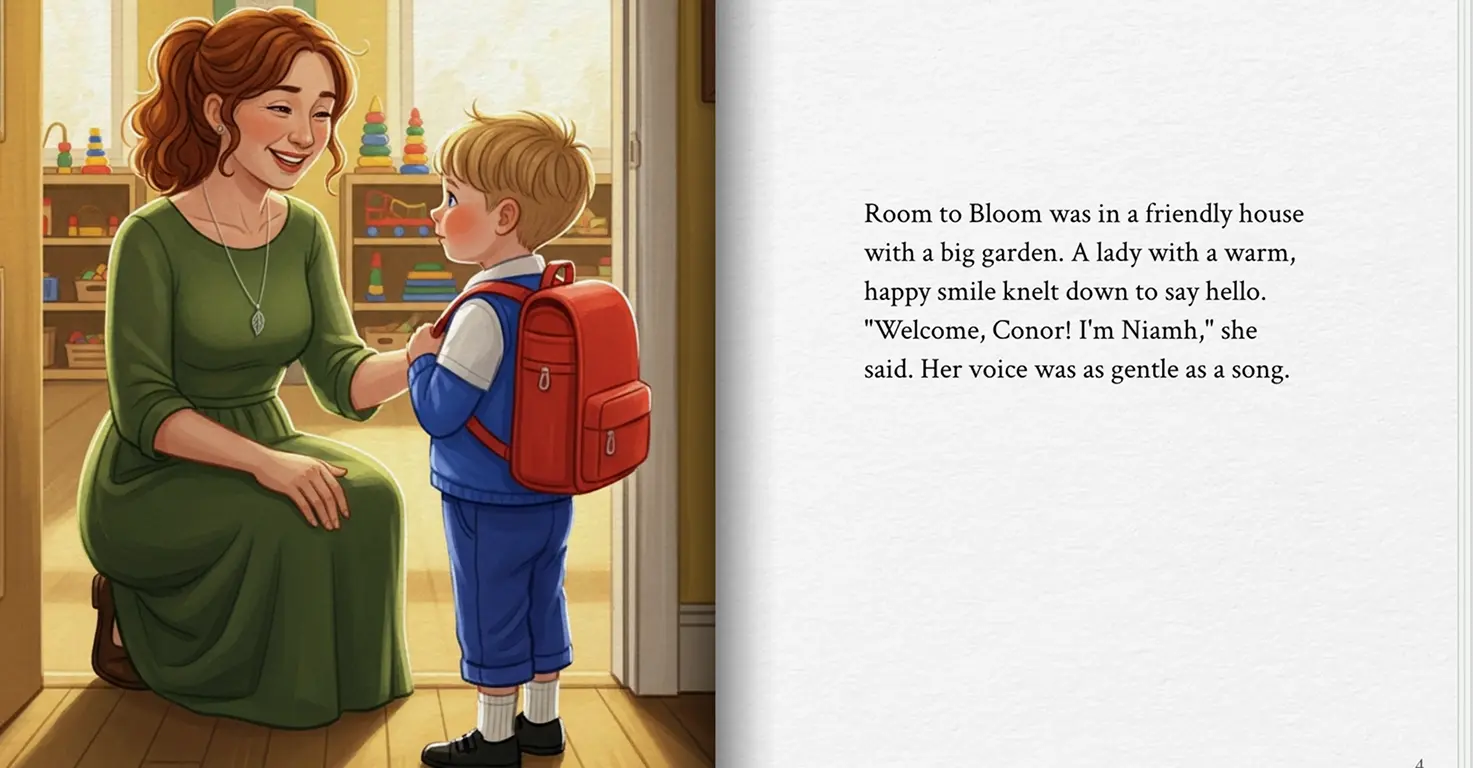
Testing results: We've created 30+ stories over three months. The first-day-of-school story featuring my 3-year-old's actual teacher helped reduce his transition anxiety more than any traditional prep we tried.
Cost: Free (requires Google account, 18+ to create)
Parent involvement: High for story creation, but that's the point. This is a together activity, not independent screen time.
4. Nano Banana 2 (Best for Visual Creativity, Ages 8+)
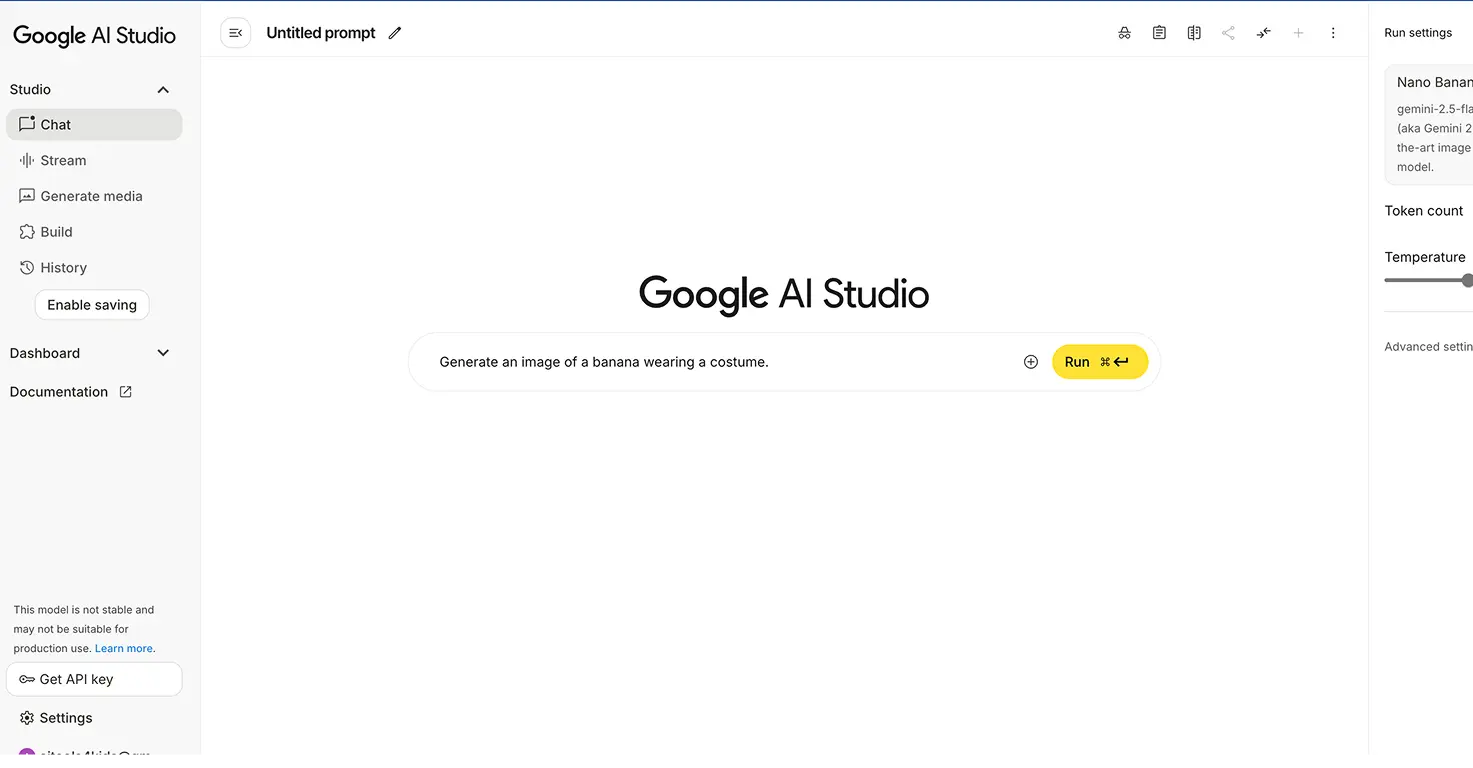
Google's Nano Banana 2 turned my 8-year-old into a "movie director" overnight. It's an AI image generator built into the free Gemini app that creates photorealistic images from text descriptions, and kids treat it like a superpower.
Why it works as a game: Kids describe a scene, and a detailed image appears in seconds. My 6-year-old asked for "a dinosaur eating pizza on the moon" and couldn't stop laughing at the result. Then he wanted to make ten more. That "one more" loop is what makes it feel like a game.
What kids create:
- Custom coloring pages they actually want to color (because they designed them)
- Multi-page comic books with characters that look the same on every page
- Birthday invitations and posters with readable text baked into the image
- Illustrated vocabulary flashcards for school projects
What sets it apart: Two features make Nano Banana 2 stand out from other image generators for kids. Character consistency means the superhero your child designs will look identical across 20 images, so they can build real storybooks. And text rendering means posters and cards have clean, readable words built right in, not garbled nonsense.
Testing results: We've used Nano Banana across dozens of family projects. Our full Nano Banana review covers the details, but the short version is that it's become our go-to image tool. The free tier in Gemini has daily limits that can frustrate longer sessions, but for 15-20 minute creative bursts, it's perfect.
Cost: Free through the Gemini app. No paid tier needed for family use.
Parent involvement: Medium-High. Kids 8+ can write prompts with guidance, but parents should review outputs and help refine descriptions for better results.
Parent Insight: The unexpected win was descriptive writing. My 8-year-old's prompts went from "cool robot" to "a friendly blue robot with glowing eyes standing in a garden at sunset" within a week. He was learning to write detailed descriptions because he wanted better images.
5. Quick, Draw! by Google (Best Quick Game, Ages 5+)
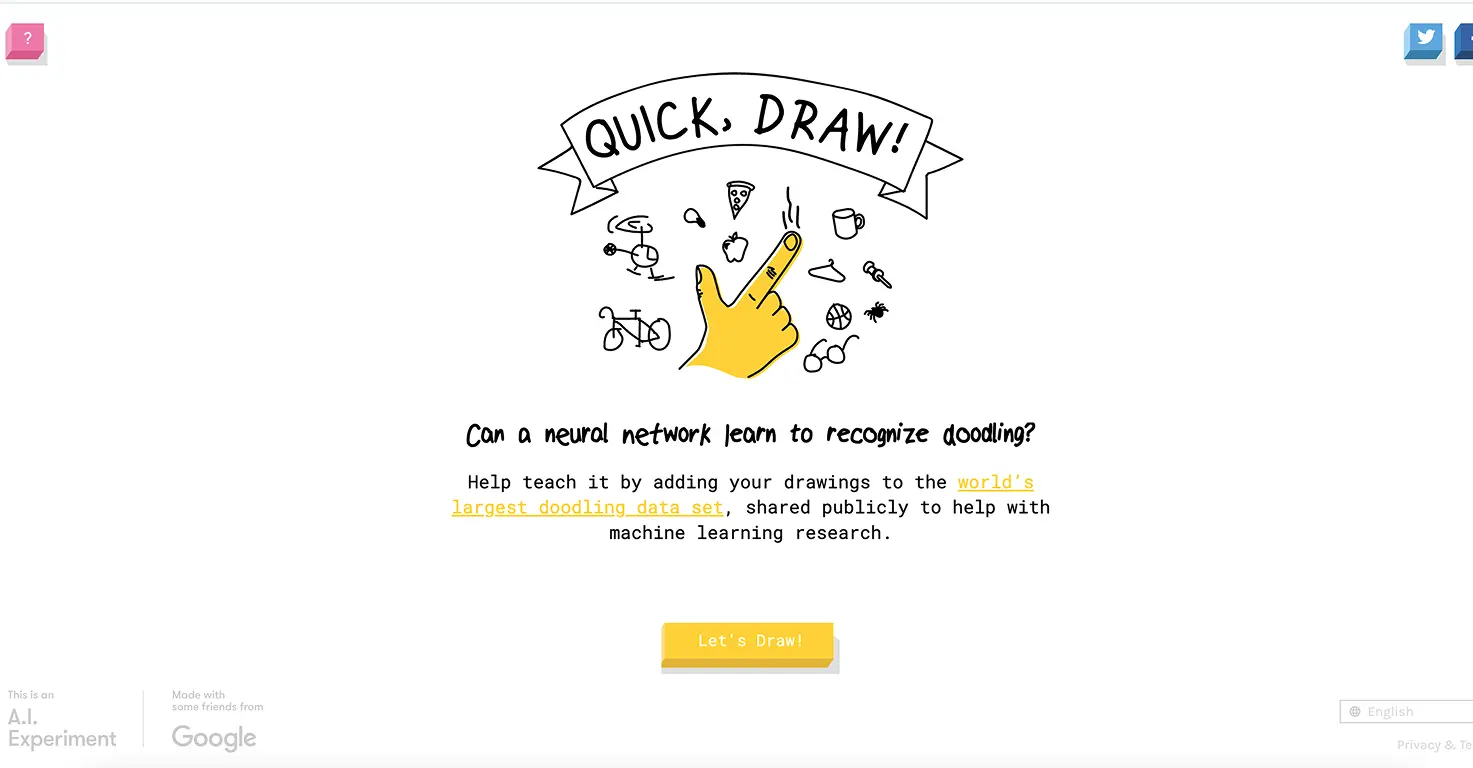
This one's pure fun with zero educational pretense, and that's perfectly fine. Quick, Draw! challenges kids to sketch something (like a cat or bicycle) in 20 seconds while AI tries to guess what they're drawing.
Why kids love it:
- Instant feedback ("I see a cat!")
- Addictive challenge to beat the AI's guessing
- No account required
- Sessions naturally stay short (5-10 minutes)
Testing results: Both my 6 and 8-year-old played this obsessively for about two weeks, then it became an occasional favorite. Perfect for waiting rooms or quick entertainment bursts.
Learning value: Minimal, but it teaches kids how AI "sees" and recognizes patterns. My 8-year-old started asking questions about how the computer knows what he's drawing, which led to a great conversation about machine learning basics.
Cost: Completely free
6. AI Dungeon (Best for Creative Older Kids, Ages 10+)
For older kids who love storytelling or role-playing games, AI Dungeon creates endless interactive adventures. You type actions, and the AI narrates what happens next. It's like a choose-your-own-adventure book that never ends.
Important safety note: This requires parental guidance. The AI can generate content that veers into areas parents wouldn't choose. I only recommend this for kids 10+ with active parent involvement, especially at first.
What works:
- Unlimited creative scenarios
- Teaches narrative thinking and cause-effect
- Can be genuinely hilarious when the AI misinterprets commands
- Safe mode filters exist but aren't perfect
Testing results: My 8-year-old is slightly young for this, so I tested it myself with hypothetical scenarios. It's powerful but requires mature judgment about content direction.
Cost: Free tier with limits. Premium starts at $9.99/month.
7. Suno (Best for Music-Loving Kids, Parent-Run)
Age note: Suno's terms of service state a minimum age of 13, and their privacy policy says the service is not intended for under-13 use. We use it as a parent-operated tool: I create the songs based on what my kids describe, and they listen and iterate with me. If your child is under 13, treat this the same way.
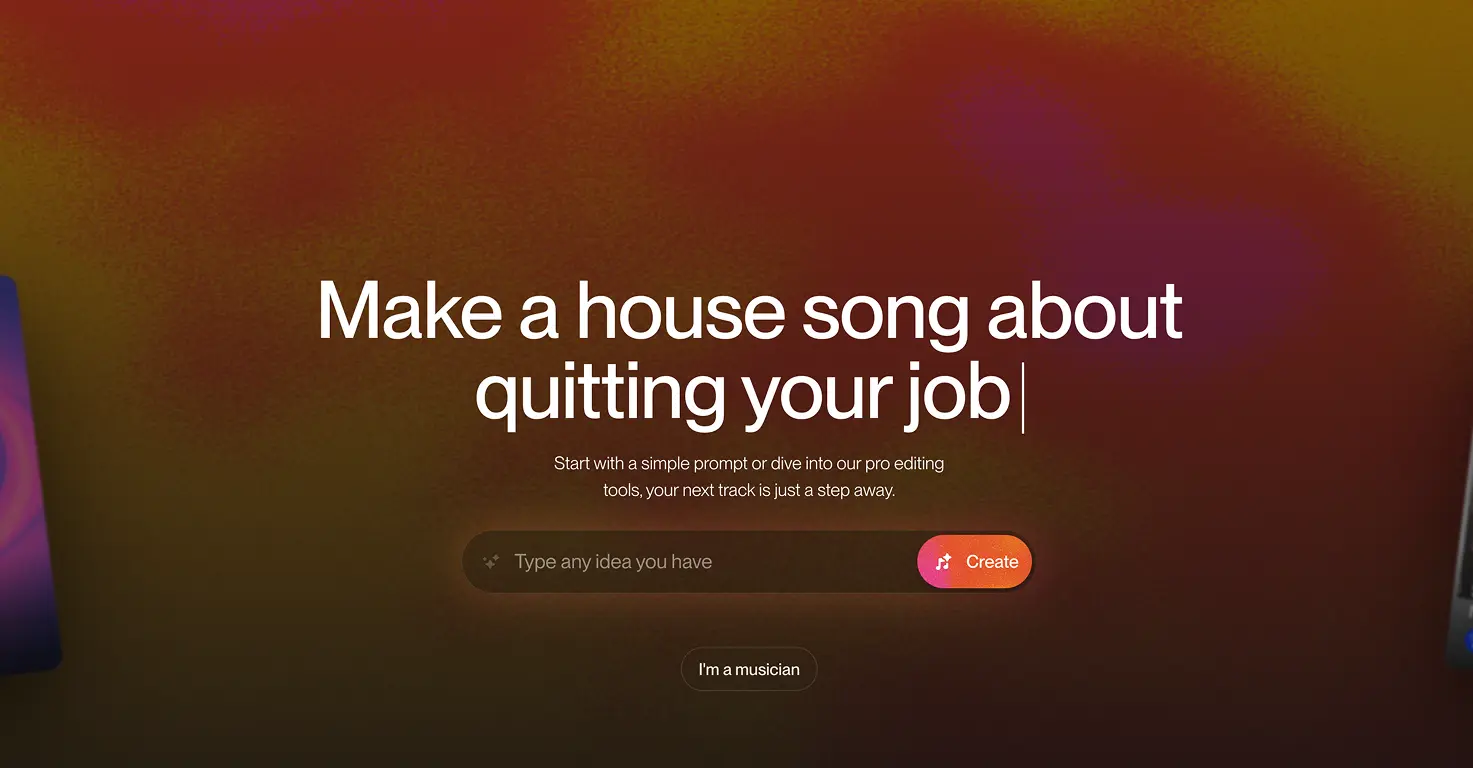
Suno lets you type a description and get a complete song with vocals in about 60 seconds. It's not technically a "game," but every kid I've introduced it to treats it like one.
The game element: Can you make the silliest song? The catchiest chorus? A song about your teacher that's actually funny? Kids compete with themselves (and each other) to create increasingly creative results.
What kids create:
- Birthday songs for family members
- Theme songs for their pets
- Silly stories set to music
- Songs about whatever they're obsessed with this week
Testing results: My 6-year-old has made probably 50 songs over three months. She still requests "song time" multiple times per week. The instant gratification of hearing her ideas become real music keeps her engaged.
Cost: 50 free credits daily (about 10 songs). Premium starts at $10/month. See how it compares in our Suno vs Udio comparison, or check the detailed pricing breakdown.
Parent Insight: Suno accidentally taught my daughter about song structure. She now talks about "verses" and "choruses" because she wants to control how her songs sound. Learning happened without any of us trying to make it happen.
8. Teachable Machine by Google (Best for STEM Kids, Ages 8+)
This is the most educational option on the list, and it's still genuinely fun. Teachable Machine lets kids train their own AI models by showing examples. Want to make an AI that recognizes when you're happy vs. sad? Or identifies different dog breeds? Kids build it themselves.
Why it works as a game:
- Kids become AI trainers, not just users
- Immediate testing shows if their model works
- Competition element: "Can I make the AI smarter?"
- No coding required
Testing results: My 8-year-old spent 45 minutes training an AI to recognize his hand gestures (rock, paper, scissors). When it worked, he was genuinely proud. When it failed, he problem-solved why. This is real computational thinking disguised as play.
Best for: Kids interested in how things work. Needs some patience and parent involvement initially.
Cost: Completely free
9. Code.org AI for Oceans (Best Free AI Learning Activity, Ages 8+)
Code.org AI for Oceans is a free, browser-based activity where kids train a machine learning model to sort ocean items into fish and trash. It sounds simple, but it teaches real AI concepts: training data, classification, and how bias creeps into models.
Why it works:
- Completely free, no account or login needed
- Takes about 25 minutes from start to finish
- Kids see the direct connection between their training choices and the AI's accuracy
- Later levels introduce bias and ethical considerations in age-appropriate language
Testing results: My 8-year-old finished the whole activity in one sitting and immediately understood why his AI kept misclassifying items ("I didn't show it enough examples of that one!"). My 6-year-old needed help reading the instructions but could do the clicking and sorting independently.
The honest limitation: This is a one-session activity, not something kids replay daily. But as a 25-minute introduction to how AI actually works, nothing else on this list is as clear or as free.
Cost: Completely free
Parent involvement: Low for ages 8+. Younger kids need help reading instructions.
10. Minecraft Education "Reed Smart: AI Detective" (Best for AI Literacy, Ages 8+)
If your child already plays Minecraft, this is the best way to teach them about AI risks without it feeling like a lesson. Reed Smart: AI Detective is a film noir mystery where players help detective Reed Smart solve three cases involving AI misuse: deepfakes, AI detection tool limitations, and AI-generated misinformation.
Why it matters:
- Teaches kids to spot deepfakes and AI-generated content
- Covers why AI detection tools aren't always reliable
- Explores misinformation in a way that's relevant to what kids actually see online
- Delivered inside Minecraft, where kids are already comfortable
Testing results: My 8-year-old played through the first case and started pointing out "that could be fake" about images he saw online the next day. That's the kind of practical AI literacy that matters more than knowing how to write a prompt.
What you need: Minecraft Bedrock Edition (~$30 if you don't own it) or Minecraft Education through a school. The Reed Smart world itself is free on the Minecraft Marketplace.
Cost: Free (requires Minecraft)
Parent involvement: Low. Ages 8+ can play independently. The content is pre-built educational material, not live AI interaction, so there's no risk of unexpected outputs.
Parent Insight: This is the only tool on this list that directly addresses the AI risks parents worry about most: fake images, fake videos, and misinformation. Instead of shielding kids from these concepts, it teaches them to think critically about what they see. That's worth more than any creative AI toy.
How to Choose the Right AI Game for Your Child
Here's my quick decision framework after testing all these options:
Ages 3-5: Start with Gemini Storybook as a together activity. The parent creates, child directs. Add LittleLit when they're ready for more independent exploration.
Ages 6-9: LittleLit and Quick, Draw! are the sweet spot. Both offer enough independence for kids to feel ownership while staying age-appropriate. Suno works well as a parent-run activity where you create songs together. Older kids in this range can try Nano Banana 2 with parent guidance for image creation projects. Code.org AI for Oceans is a great one-session introduction to how AI works.
Ages 10-12: Teachable Machine adds STEM learning. AI Dungeon (with supervision) works for creative storytelling fans. Nano Banana 2 really shines at this age, where kids can write detailed prompts and create comic books or school project visuals independently. Minecraft Education's Reed Smart: AI Detective is the standout for this age group, teaching deepfake awareness and critical thinking about AI-generated content.
Teens 13+: Suno can now be used independently. All the younger-kid options still work if they're interested.
What Didn't Make the List
I tested plenty of AI games that sounded promising but didn't work for our family:
ChatGPT: Too open-ended for kids. Without guardrails, conversations go nowhere productive. Great for adults, not for child-directed play.
Most "AI coding games": Too frustrating for the ages promised. My 8-year-old hit walls constantly with tools marketed for "ages 7+." The learning curve was steeper than advertised.
AI avatar creators: Fun for 10 minutes, then boring. No replay value once you've made a few images of yourself as a cartoon.
Complex story generators: Tools like NovelAI are powerful but overwhelming for kids. Too many options, too much text, not enough visual feedback.
Safety Rules We Follow
Every AI game session in our house follows these rules:
- No personal information. Kids never type real names, schools, addresses, or identifying details into any AI tool.
- First sessions are together. I sit with each kid their first 2-3 times using any new AI game to establish norms.
- Time limits matter. AI games are engaging enough to become time sinks. We set clear "done" times before starting.
- Weird outputs get discussed. When the AI creates something unexpected, we talk about why that might have happened. This builds AI literacy naturally.
- Creation over consumption. We prioritize AI tools where kids make things over tools where they just receive things.
11. QuizLab (Best for Curriculum Revision, Ages 6-12)
QuizLab is an AI quiz game I built after Mateo (8) kept running out of ways to test himself before school assessments. He would go through his flash cards a few times and then get bored of seeing the same questions. QuizLab generates fresh curriculum-matched questions each round, so replaying actually feels different.
What kids actually do:
- Pick a class level (1st class through 6th, or US K-12 equivalents)
- Pick a country (Ireland, UK, US, Australia, Netherlands, Brazil, Nigeria)
- Choose 5, 10 or 15 questions
- Answer multiple-choice questions across maths, English, science, history and geography
- Get a score and replay with a fresh set of questions
Mateo's competitive side kicked in immediately. He played four rounds in one sitting, trying to beat his own score each time (6/10, 7/10, 8/10, 9/10). Maria (6) tried the 1st class level and found the questions pitched well for her.
Best for: School-age kids, 6-12, particularly for curriculum revision before assessments.
Cost: Free. No account, no signup, no ads.
Play at aitoolsforkids.com/quizlab.
The Bottom Line
Looking specifically for free options that need no signup? See our dedicated guide: 10 Free AI Games for Kids (No Signup, Parent-Tested). For classroom and learning-focused options, check out 9 AI Games for Students That Actually Teach Something.
The best AI games for kids aren't trying to be games at all. They're creative tools that feel like play because they give kids real power to make things. My daughter doesn't care that LittleLit uses artificial intelligence. She cares that she can make a book about her cat going to space, and it actually exists when she's done.
Start simple. Try Gemini Storybook (free) for younger kids or Quick, Draw! (free) for a quick test. For image creation, Nano Banana 2 is free and impressive. If your child lights up, explore LittleLit or Suno (parent-run for under-13s) for deeper creative experiences. For AI literacy, Code.org AI for Oceans takes 25 minutes and costs nothing, and Minecraft's Reed Smart: AI Detective teaches kids to spot deepfakes in a world they already love.
The goal isn't finding the most advanced AI. It's finding the tool that makes your specific kid excited to create something new. In our house, that's looked different for each of my three children, and that's exactly how it should be.